High-Speed 4-Point Camera Sensor
Four high-speed cameras capture ball flight from multiple angles, helping expand the capture range and deliver precise shot analysis.

Practice, play and connect year-round. Explore a PGM P8 setup for your home studio, training facility or commercial golf venue.
Four high-speed cameras capture ball flight from multiple angles, helping expand the capture range and deliver precise shot analysis.
Dedicated onboard processing analyzes trajectory data for responsive performance and consistent shot detection.
Experience dynamic, multi-directional movement designed to make indoor golf feel more immersive and realistic.
Advanced aerial scanning and modeling recreates course terrain with detailed three-dimensional environments.
High-resolution 4K visuals and laser projection bring golf courses to life with vivid, immersive detail.
High-speed cameras, precision sensors and powerful simulation software combine to recreate the feel and feedback of the real game.
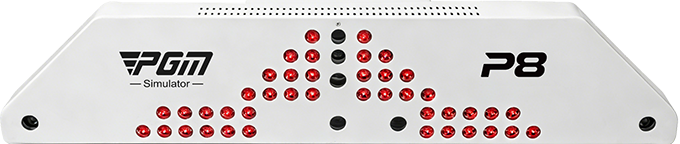

Equipped with a dedicated onboard MCU (microcontroller unit), it achieves a detection accuracy of up to 99%. By independently processing trajectory image data, it delivers faster, more stable, and more precise performance.
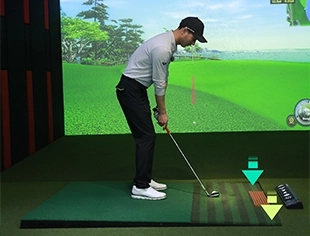
Explore how different stance angles can change the feel of a shot. Final motion range and supported configurations should be confirmed for the selected system.
Illustrative views of supported lie scenarios.
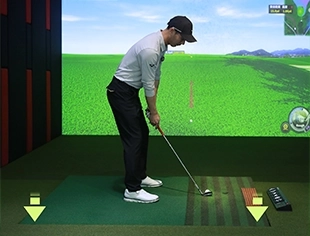
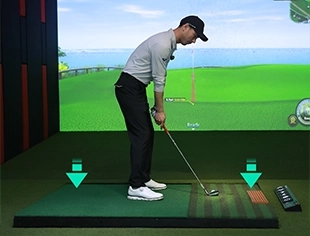
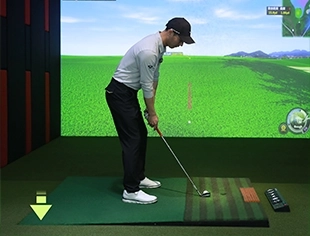
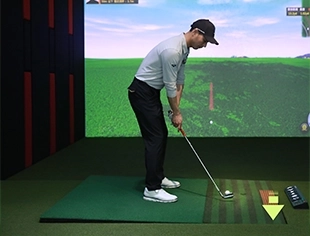
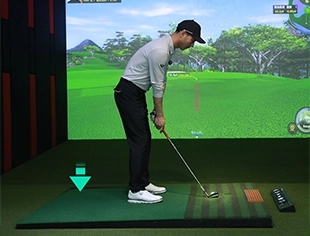
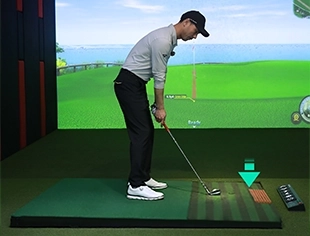
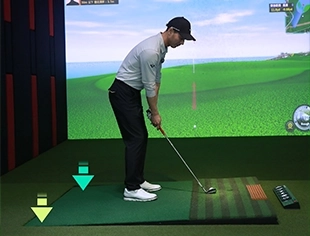
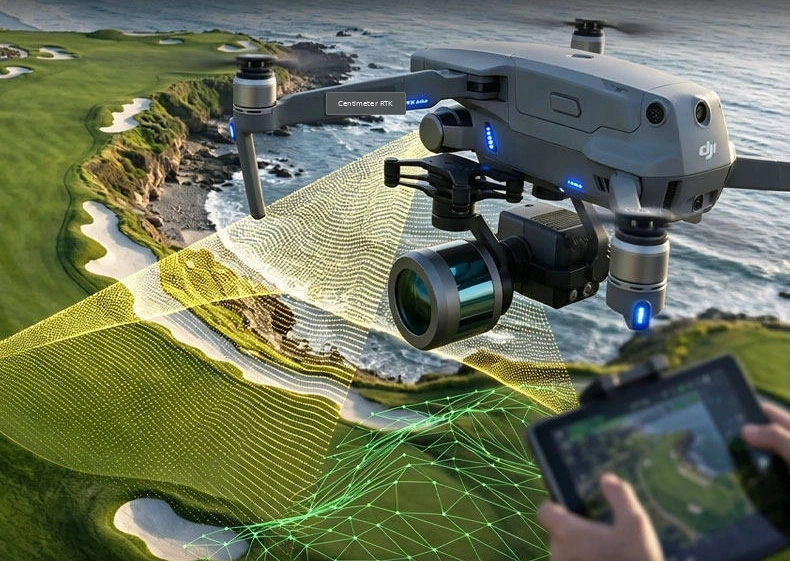
A 1:1 scale reproduction of the actual course, utilizing high-precision RTK+PPK technology to ensure terrain data accuracy with an error margin of ≤5cm.
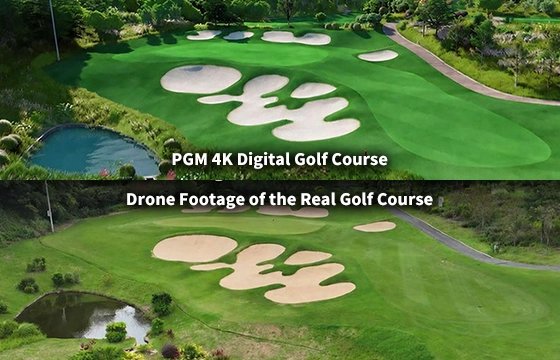
Experience the ultimate realism with TRUE-TO-LIFE GAMING EXPERIENCE, featuring stunning 3D Golf Course Maps powered by Unreal Engine 5. It supports up to 8K resolution output and includes over 200 meticulously crafted flora and fauna models. Plus, enjoy continuous expansion with a guaranteed five new overseas maps added every month.

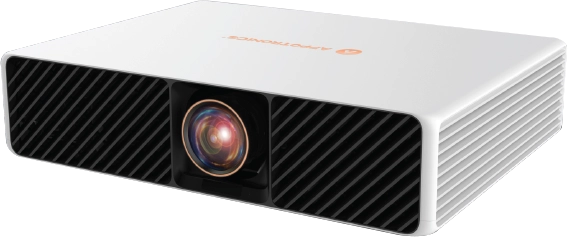
With 3840x2160 resolution, 6800 lumens of brightness, and a 25,000-hour lifespan, it delivers vivid, brilliant details for an immersive visual feast.
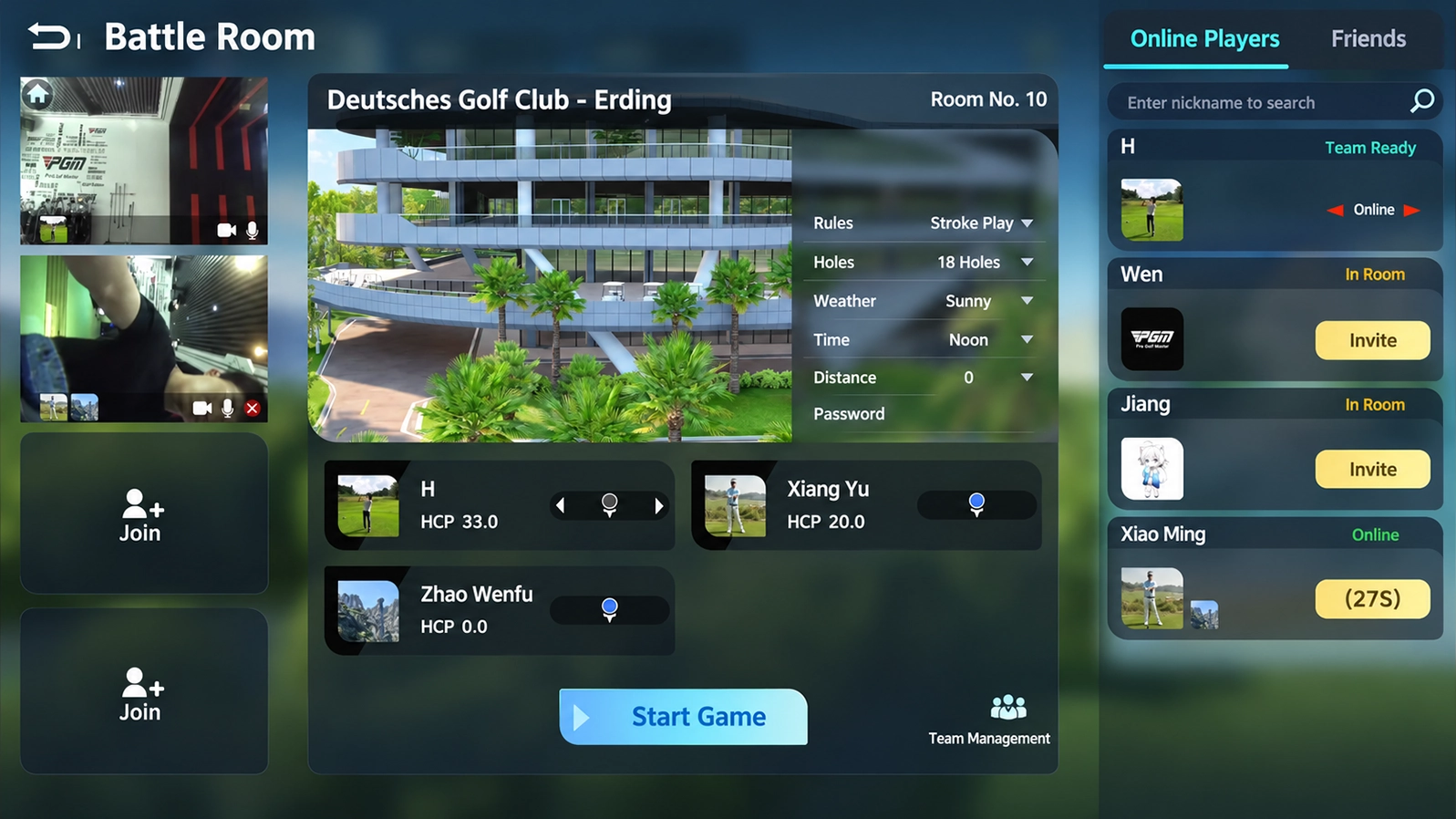
Switch between focused practice, full-course play, social games, and connected experiences.
Explore the components behind the experience. Select a part to see what it does and how it contributes to your practice setup. Final specifications depend on the selected configuration.
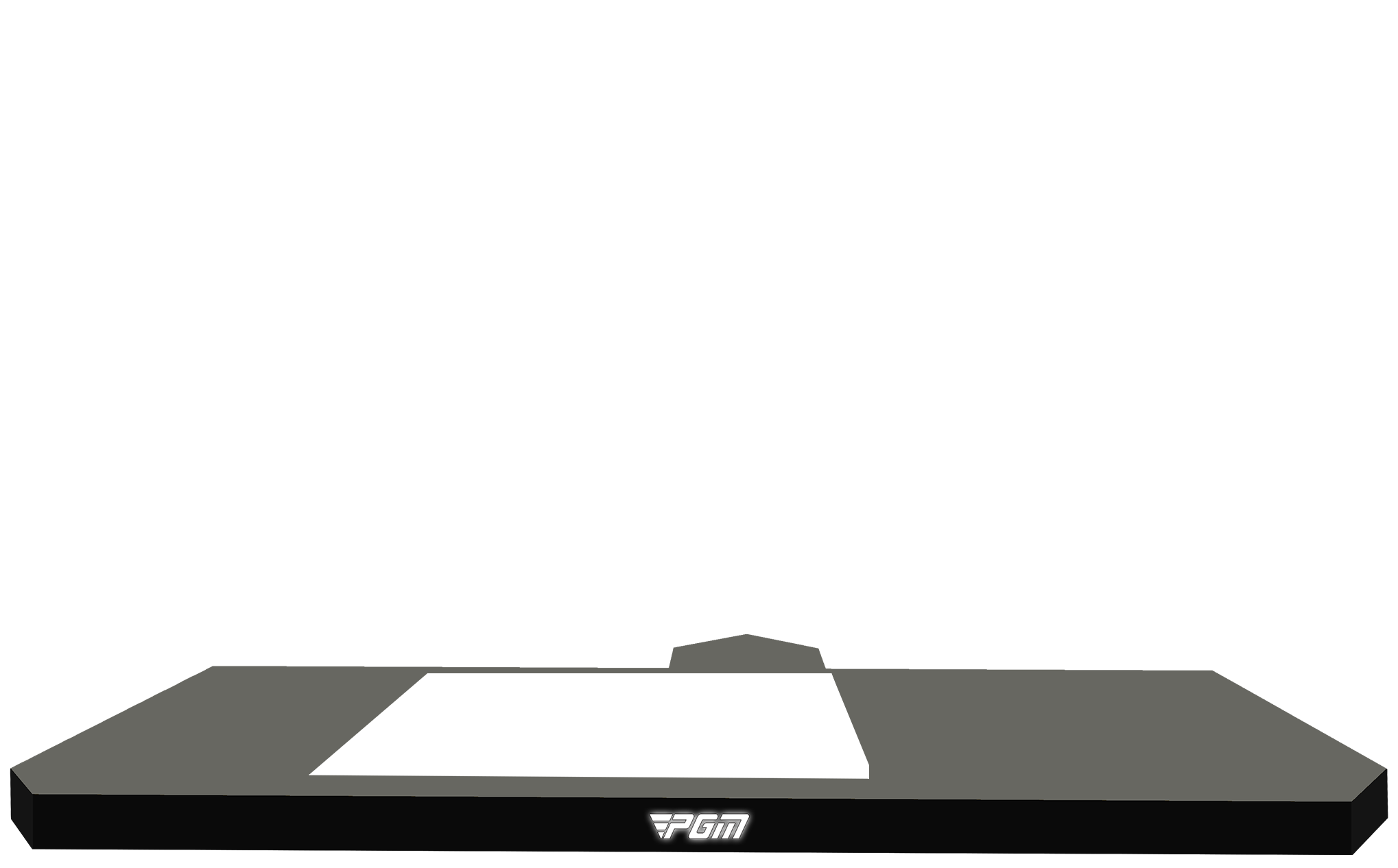
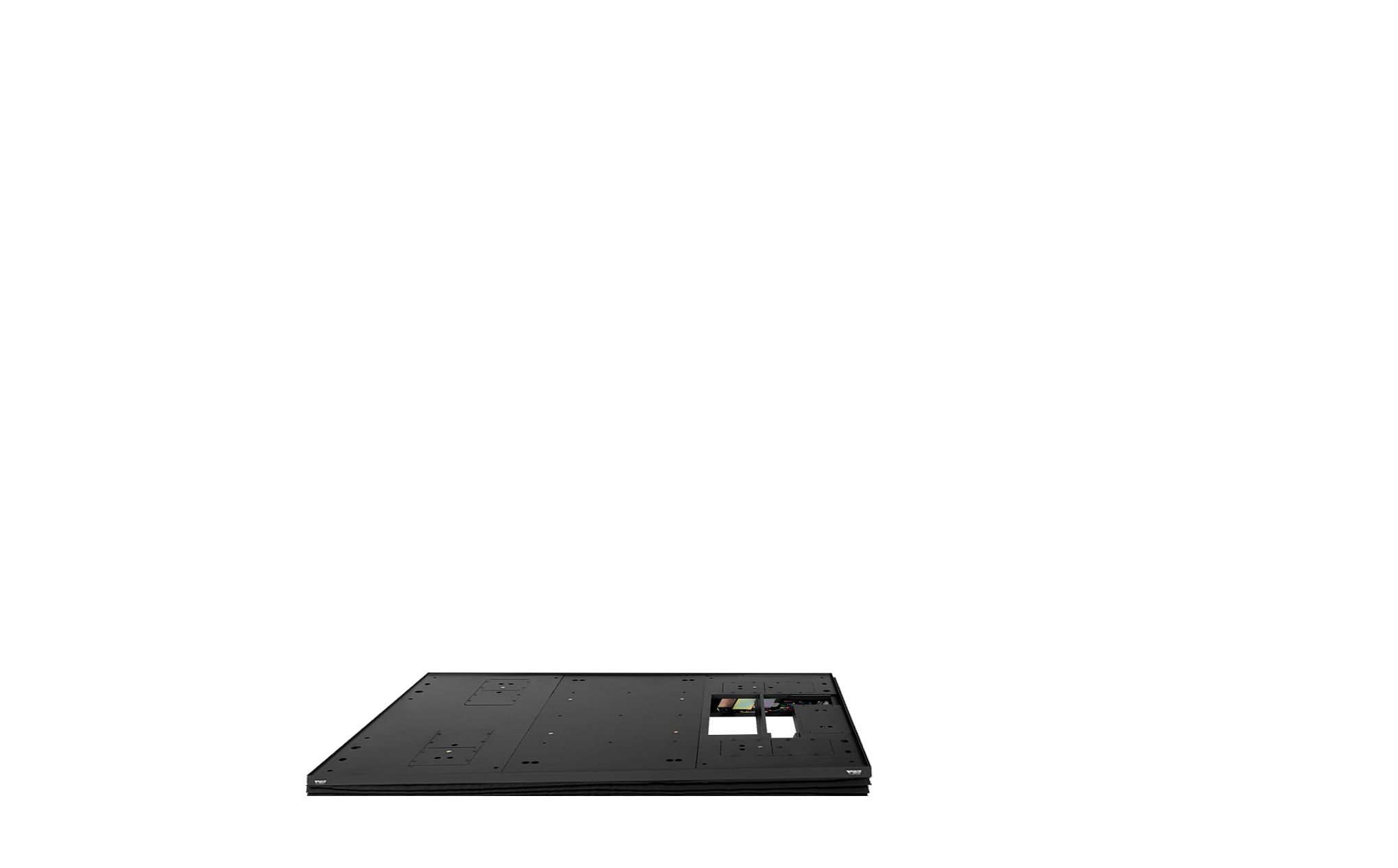
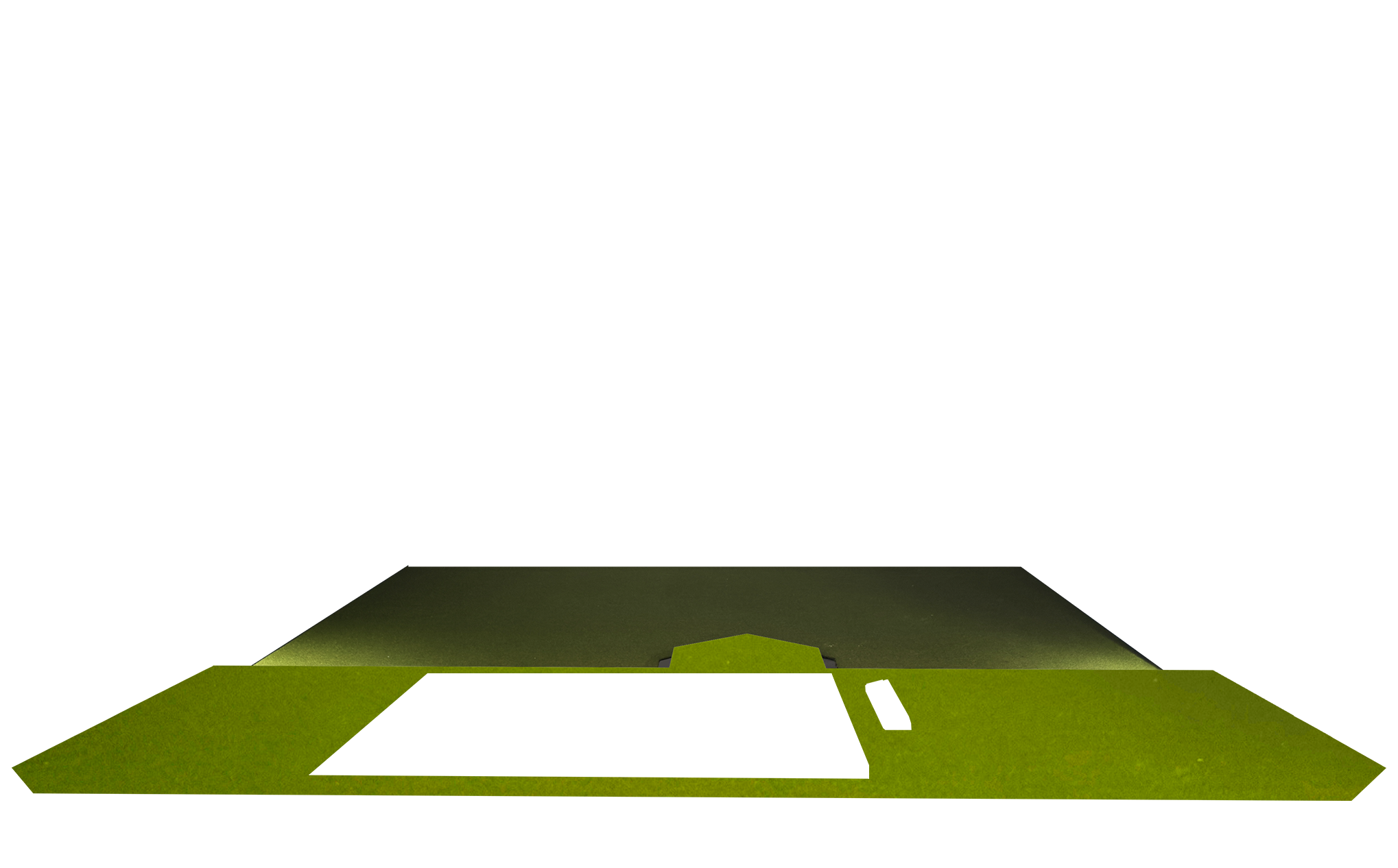
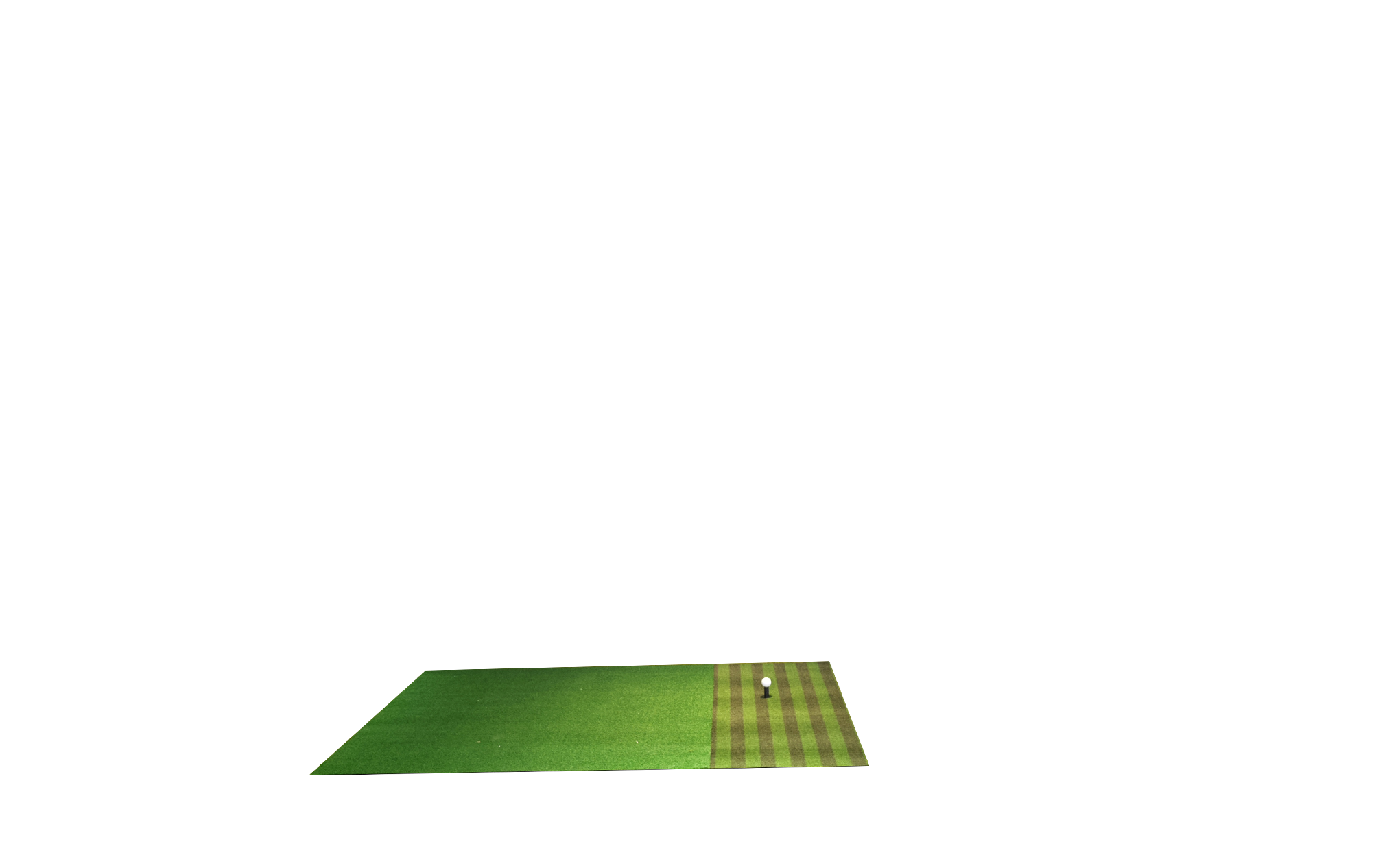
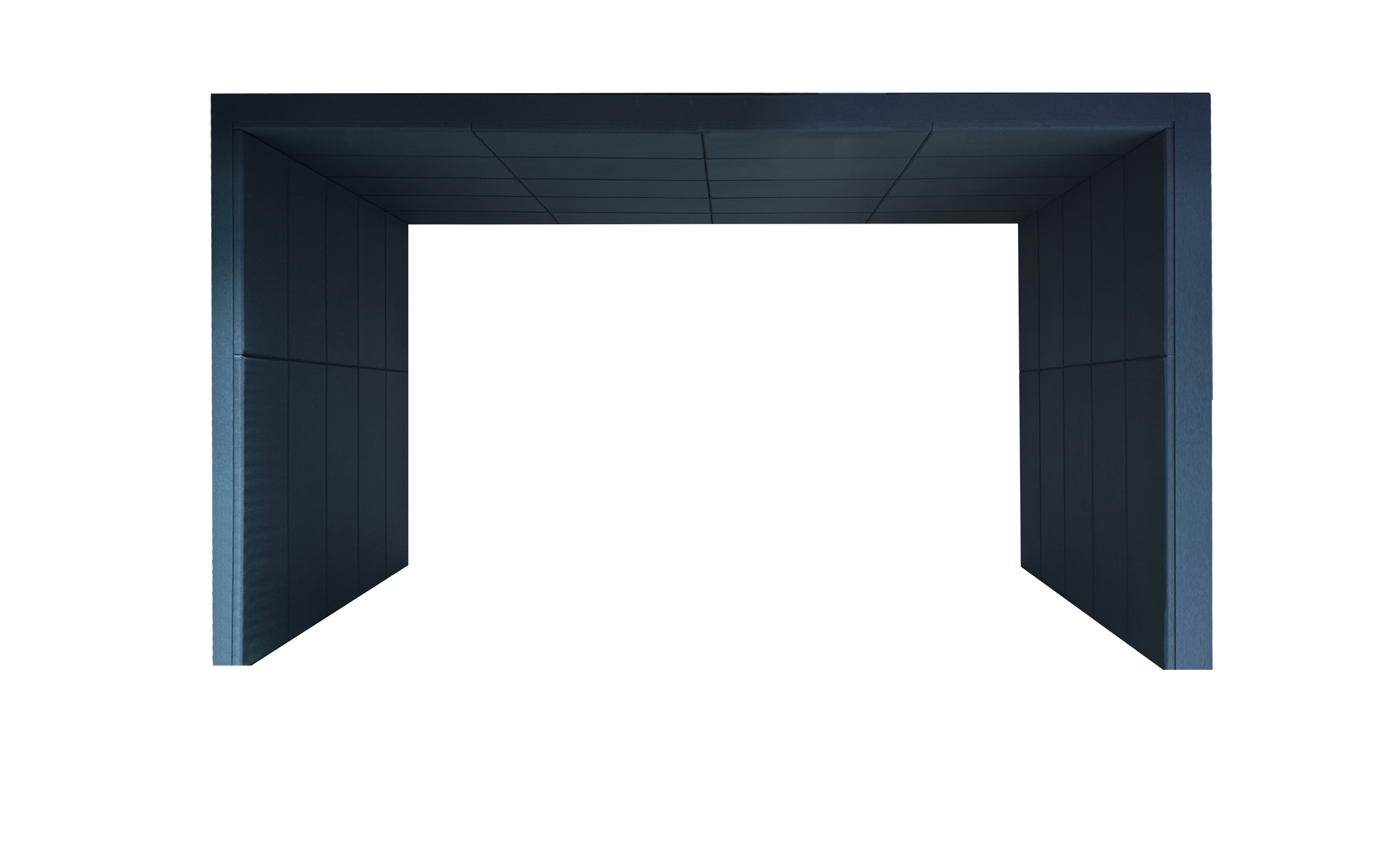

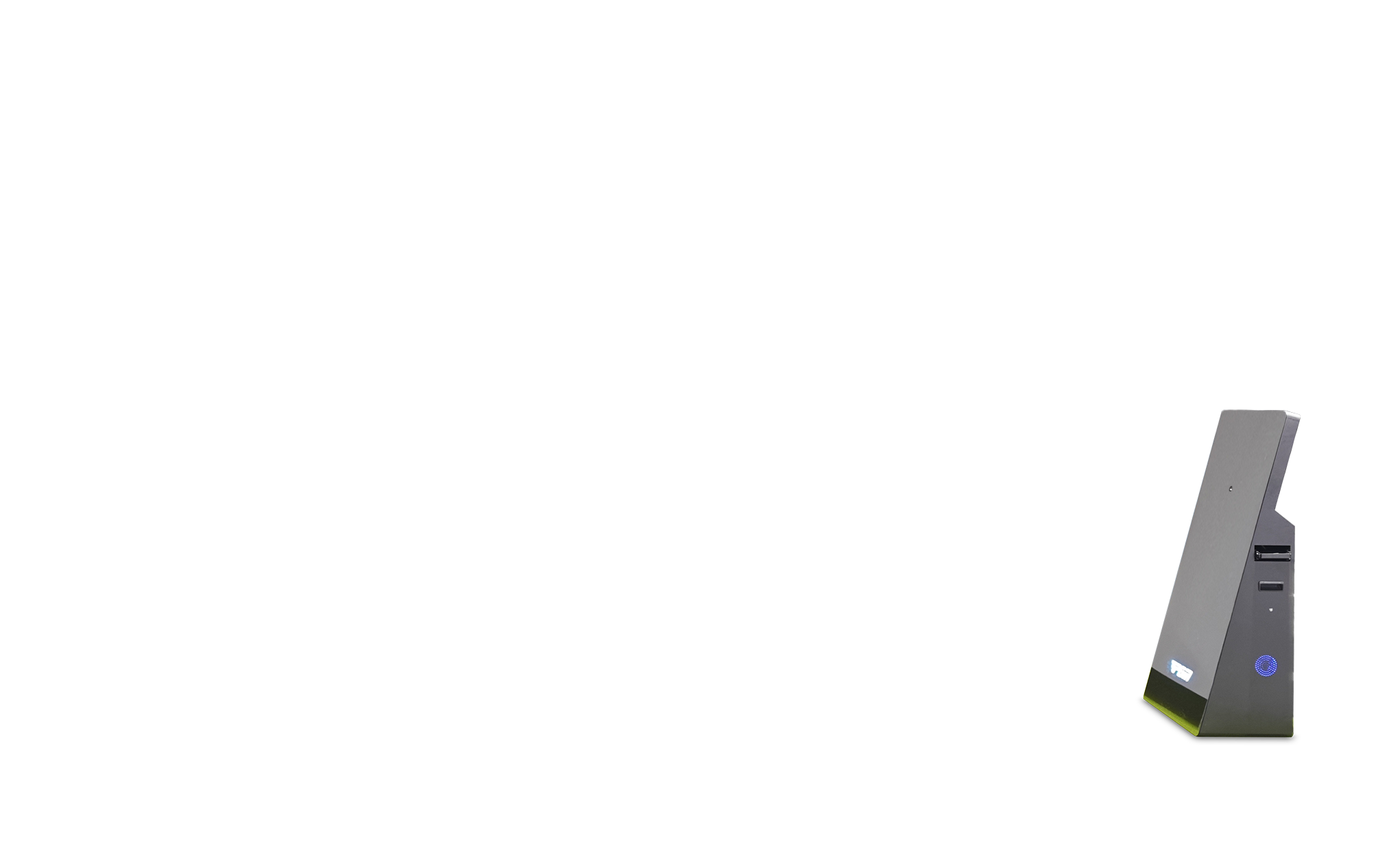

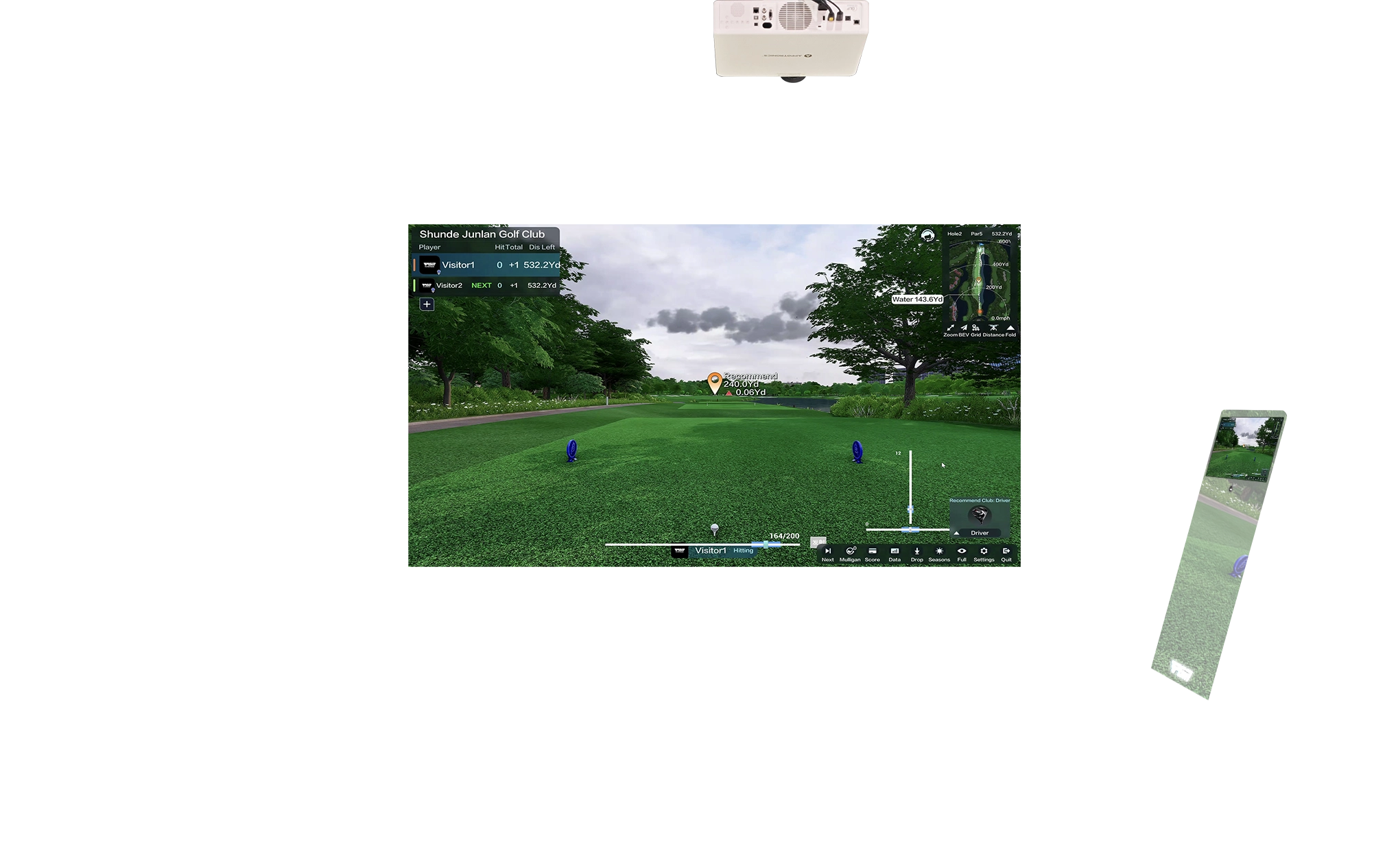
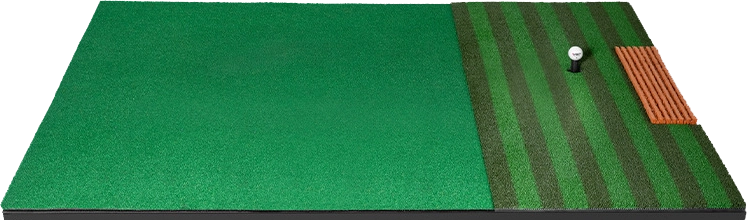
The base sets the footprint for the complete simulator system.
Browse ideas for your space. Select any item to see what it does, what to consider, and what we’ll help you confirm.
.webp)
On-site setup takes only 1 hour. Simply connect the power supply, and it's ready to use.
.webp)
The standard Golf Simulator Pod offers a floor area of 28 m², with dimensions of 8 m (L) × 3.5 m (W) × 3.4 m (H) and a net weight of approximately 5 tons.
.webp)
A modular steel-frame enclosure brings the screen, surrounding structure and hitting zone together. Plan a golf bay for a home, studio or commercial venue, with dimensions tailored to the space.
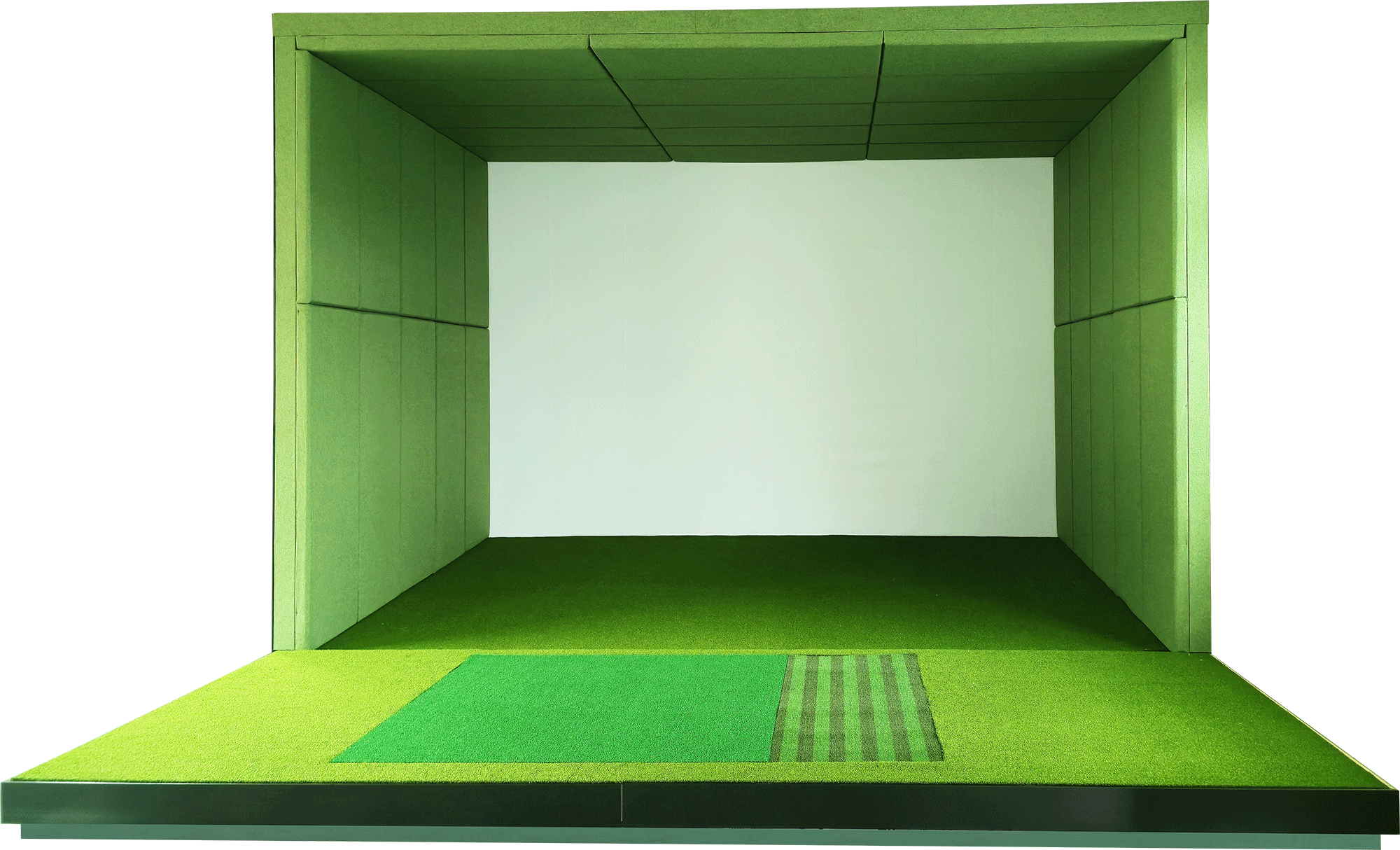
A modular enclosure combines padded walls and ceiling with an impact screen and raised hitting area. Shape a simulator bay around your room, from the wall layout to the equipment configuration.
You don’t need to know every component or make every decision today. Tell us what you’re hoping to create and we’ll walk you through the options.
Start with how you want to play and where you want to play. Then explore a simulator setup that fits your space, goals, and experience.
A golf space that fits your home and the way you want to play. We’ll help you explore the options.
Simulator concepts for golf clubs, coaches, hospitality, entertainment venues, and training facilities.
Choose a starting point for your game and space. We’ll help tailor the final configuration to your needs.
A refined setup for practice sessions and everyday play.
More feedback and flexibility for serious golfers.
A premium attraction for clubs, venues and businesses.
A better way to practice, play, and experience golf. Discover the technology that brings your game to life.
Explore the typical room sizes for each screen option. Not sure which fits your space? Talk to us—we’ll help you work it out.
A straightforward, immersive screen setup.
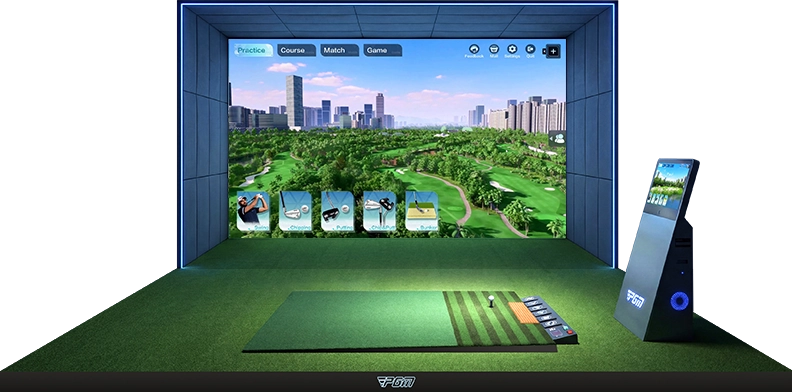
| Size | Depth | Width | Height |
|---|---|---|---|
| Min | 4.5 m 14.8 ft | 3.0 m 9.8 ft | 2.6 m 8.5 ftNo ball return |
| Std | 6.0 m 19.7 ft | 4.0 m 13.1 ft | 3.0 m 9.8 ft |
| Opt | 8.0 m 26.2 ftWith lounge area | 5.2 m 17.1 ft | 3.2 m 10.5 ft |
A wider, wraparound viewing experience.
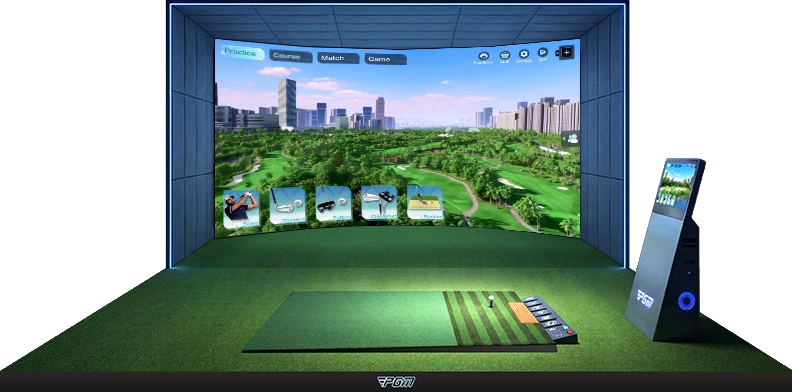
| Size | Depth | Width | Height |
|---|---|---|---|
| Min | 5.0 m 16.4 ft | 5.0 m 16.4 ft | 2.6 m 8.5 ftNo ball return |
| Std | 6.0 m 19.7 ft | 5.5 m 18.0 ft | 3.0 m 9.8 ft |
| Opt | 8.0 m 26.2 ftWith lounge area | 6.0 m 19.7 ft | 3.2 m 10.5 ft |
These dimensions are a starting point. Tell us about your room and how you want to play—we’ll help you explore the best fit.
Dimensions are shown in metres and approximate feet. Final space requirements depend on the selected configuration and should be confirmed with pgmgolf before installation.
From choosing the right setup to installation and ongoing technical support, pgmgolf helps you create a golf simulation experience tailored to your space, needs, and budget.
Enjoy added peace of mind with extended warranty coverage and dedicated after-sales support, subject to your selected system’s terms.
Reach the after-sales technical team between 08:00 and 00:00 for troubleshooting and product assistance.
Get support with on-site surveys, customized acoustic design, installation planning, and final calibration where available.
Explore supported course-map updates and new gameplay features as they become available.
Get personalized advice on simulator models, room dimensions, equipment, and budget before you buy.
Planning a home studio or commercial golf space?
Start with your room, your players and your goals. Here are the key details to work through before choosing a configuration.
Measure the clear width, depth and ceiling height of your room. Include doors, beams and other obstructions, and tell us whether left-handed and right-handed golfers will use the bay. The layout needs to account for swing clearance, screen spacing and equipment placement.
Use the component guide above to explore the system. Ask for an itemized quotation that identifies the supplied hardware, screen, hitting surface, projector, computer and optional additions for your selected setup.
Ask for the software edition, included play modes and current course list in your quotation. Confirm any subscription, renewal or upgrade charges before ordering.
Share room photos and dimensions so equipment placement, projector mounting, power and connection requirements can be reviewed for your configuration.
Include your destination country, city and postal code with your inquiry. Request shipping terms, estimated lead time, installation scope and any destination charges in the quotation.
Request the written warranty for each supplied component, along with the support process, replacement-part arrangements and any service exclusions before placing an order.
Have room dimensions or a layout? Tell us about your project.
Let's find the right simulator for the way you play.
Planning a home simulator, upgrading your practice setup, or exploring a commercial venue? Share a few details and the pgmgolf team can help you work through the options.
Fields marked * are required. We’ll use your details to respond to this inquiry.
You don’t need to have everything figured out. Send us a note and we’ll help you explore the right next step. Send your details securely through our contact form service. Please do not include sensitive personal information.
Your inquiry has been received.