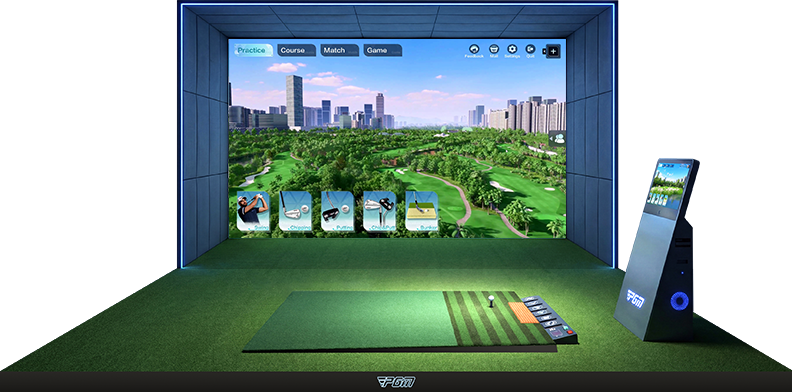
Single screen
| Layout | Depth (m) | Width (m) | Height (m) |
|---|---|---|---|
| Minimum* | 4.5 | 3.0 | 2.6 |
| Standard | 6.0 | 4.0 | 3.0 |
| With lounge | 8.0 | 5.2 | 3.2 |
 P8 SERIES
BEFORE YOU BUILD
Measure the space you can actually use. Then consider the players, screen layout and equipment that need to work together.
BEGIN WITH THE ROOM
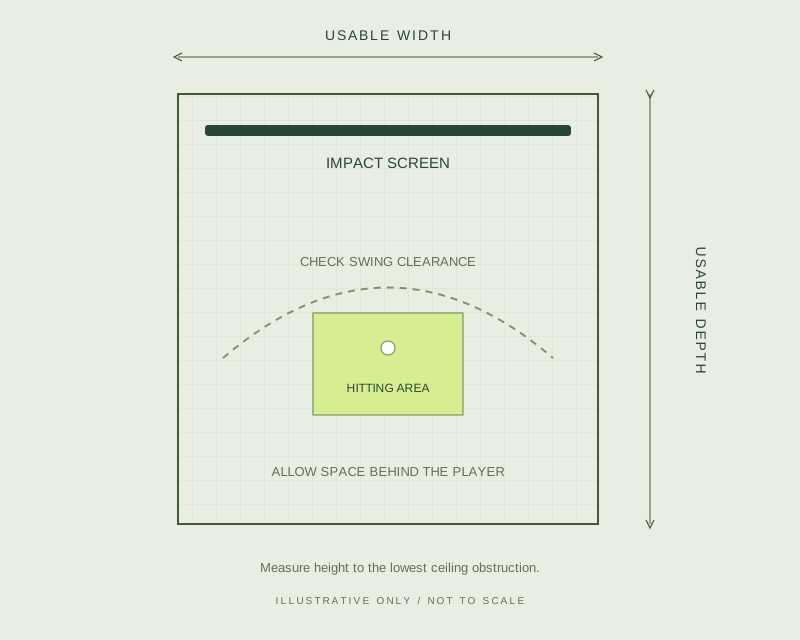
Record usable depth, width and ceiling height. Include beams, lights, doors and other obstructions, and check clearance with the tallest intended user and their longest club.
PGM INSTALLATION REFERENCES
| Layout | Depth (m) | Width (m) | Height (m) |
|---|---|---|---|
| Minimum* | 4.5 | 3.0 | 2.6 |
| Standard | 6.0 | 4.0 | 3.0 |
| With lounge | 8.0 | 5.2 | 3.2 |
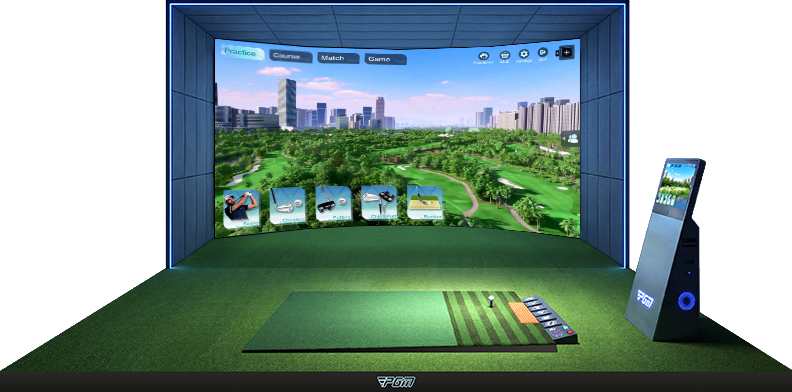
| Layout | Depth (m) | Width (m) | Height (m) |
|---|---|---|---|
| Minimum* | 5.0 | 5.0 | 2.6 |
| Standard | 6.0 | 5.5 | 3.0 |
| With lounge | 8.0 | 6.0 | 3.2 |
*Minimum layouts exclude ball return. These are manufacturer reference dimensions, not a site-specific installation approval. Safe swing clearance, screen spacing and equipment positions must be assessed for your users and configuration. Feet are approximate conversions.
PREPARE YOUR ROOM BRIEF
Use this checklist when discussing an installation. Send room photographs or a simple floor plan when a sales contact is available.
Download the room checklist ↓Depth × width × height, with units. Note ceiling beams, lighting, doors and window positions.
Tallest player, handedness, number of users and intended practice or entertainment use.
Complete P8 system or selected components. Include existing software and hardware for an upgrade.
Country and city, local power supply, internet access and the arrangements needed for delivery and installation.
Screen tension, the space behind it, flooring, hitting mats and a motion platform all affect the final room layout. Confirm these details together.
The DGPT001 platform brochure lists 230 V, 50 Hz. Confirm local power, the computer, projection equipment and software integration before ordering.
Ask for separate confirmation of shipping, installation, local taxes, training, warranty terms and support availability for your location.
ENCLOSURES & SPACE CAPSULES
For MKPC001 / MKPC002, confirm the enclosure dimensions, screen mounting, hitting-base height and assembly scope. For MTKC001 / MTKC002, also plan the site base, transport access, lifting method, power and local approvals.
The supplied MTKC001 reference measures 8 × 3.5 × 3.4 m externally and weighs approximately 5 tonnes. Confirm MTKC002 dimensions separately. Capsule external dimensions differ from the indoor room references above.
Explore capsule modelsYOUR NEXT STEP
Include your measurements and preferred layout with your enquiry.